
Health & wearables
7 Best Medication Tracker Apps in 2026: Reminders vs Analysis
Compare 7 medication tracker apps for reminders, symptom logs and wearable analysis. See where optiHealth, Bearable, MyTherapy and Apple Health fit your routine.
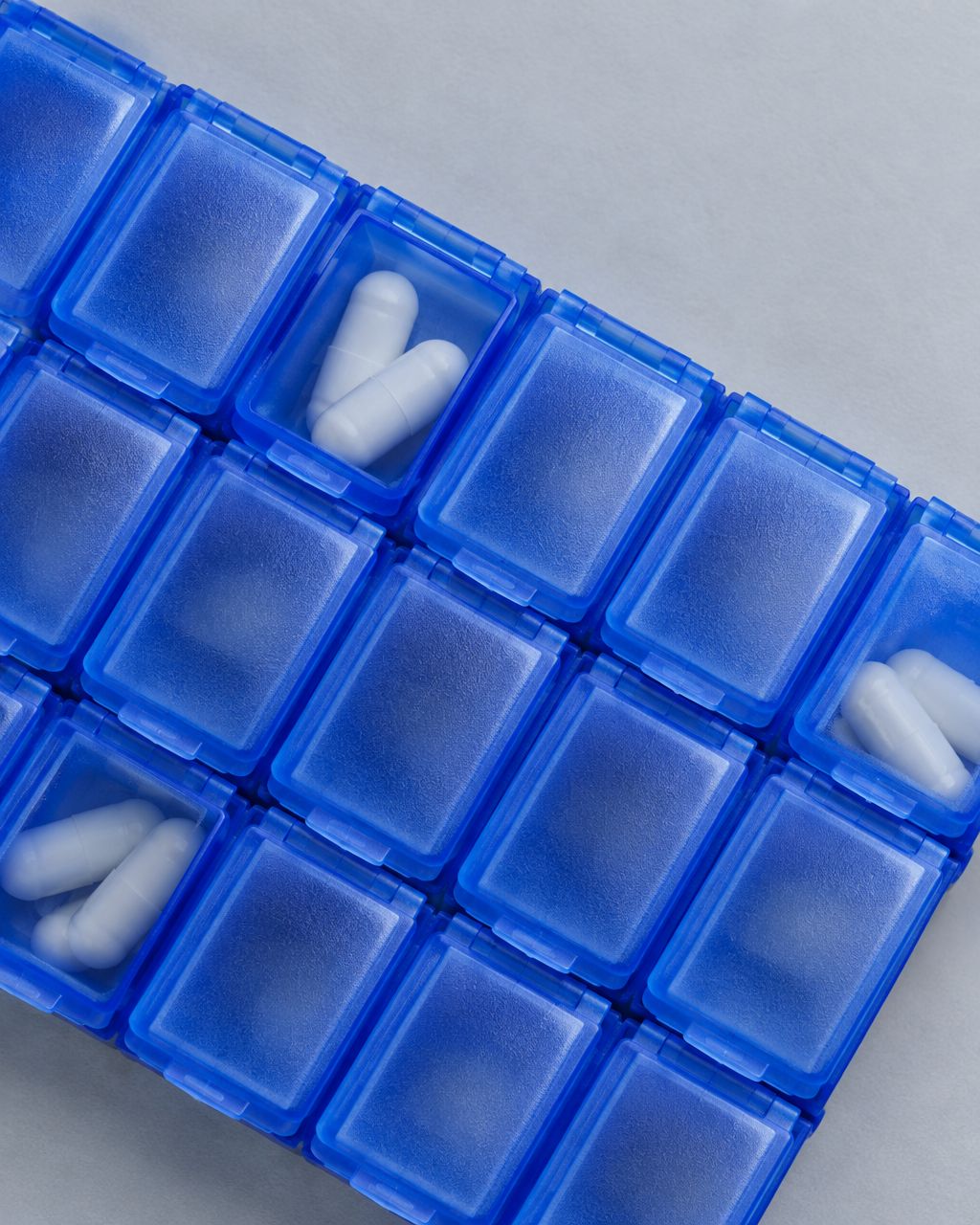
Best for wearable-based supplement analysis: optiHealth. Best for medication-and-symptom comparisons: Bearable. Best for an intake diary and clinician sharing: MyTherapy. If you mainly need a pill reminder, start with a reminder-first app rather than an analytics platform. This 2026 guide separates those jobs before comparing seven options.
- Choose optiHealth for supplement logs, wearable measurements and personal statistical insights—not prescription management.
- Bearable connects medication records with symptoms and mood; MyTherapy emphasizes reminders, documentation and sharing.
- Medisafe, Hero, EveryDose and Apple Health address different reminder, caregiver and medication-information needs.
- The best medication tracker app fits your task; no app replaces your prescriber or pharmacist.
Why this matters: remembering a dose and investigating a pattern are different jobs
“Did I take it?” and “what changed afterward?” sound related. They require different software.
A reminder needs a schedule, a notification and a clear intake record. A personal analysis needs dated observations, consistent units, comparison periods and context. Picking the best pill alarm will not automatically give you the second workflow.
I build optiHealth, so its inclusion is not an independent endorsement. The supplement tracker guide explains the analysis workflow in more detail. Here, the question is which category of app belongs in your routine.
What makes a good medication tracker app?
The criteria for this 2026 comparison are practical:
- The main job: reminders, symptom records, caregiver support or personal analysis.
- The record: dose history, skipped intakes, contextual notes and measurements.
- The next action: review a report, inspect a pattern or check a schedule.
- The boundary: what the app does not establish or replace.
- The fit: device requirements, hardware commitments and feature permissions.
Features were checked against official documentation on 29 November 2026. This is a use-case comparison, not a claim that I personally tested every app or validated their clinical performance. App-store ratings and price tables are omitted rather than treated as stable measures of quality.
Best medication tracker apps at a glance
| App | Best for | Standout workflow | Key limitation |
|---|---|---|---|
| optiHealth | Self-experimenters examining supplements and wearable patterns | Connect intake logs, physiological measurements and statistical insights | Not a verified prescription reminder or drug-interaction checker |
| Bearable | Comparing medication records with symptoms | Medication, symptom and side-effect comparison views | Correlations do not establish a treatment effect |
| MyTherapy | Intake documentation and clinician sharing | Reminders, a health diary and report sharing by one-time code | Verify your required wearable-analysis workflow separately |
| Medisafe | A medication-reminder-first workflow | A dedicated medication-management app | Check current plan, platform and feature details before committing |
| Hero | A household needing physical pill dispensing | A dispenser connected to an app | Requires hardware, setup and a suitable medication format |
| EveryDose | Schedule tracking and family profiles | Taken/skipped history, medication information and family features | Some additional tracking and profile features belong to Plus |
| Apple Health | Medication logging within Apple's ecosystem | Schedules, taken/skipped logging and follow-up reminders | Interaction information is US-specific and excludes unlisted medications |
These are distinct use-case slots, not seven interchangeable versions of the same product.
1. optiHealth: best for supplement and wearable analysis
A dose log tells you what you recorded. optiHealth connects that log with wearable measurements and self-recorded context, then surfaces within-person statistical findings. The platform supports connected sources including WHOOP, Oura and Fitbit, with compatible sources through Health Connect where supported.
The point is not another streak counter. It is opening a result about your own history and asking a better follow-up question.
Stay in your ecosystem: Android, iOS and Wear OS
optiHealth has apps for Android, iOS and Wear OS, alongside the web platform. Stay in the phone-and-watch ecosystem you use while making optiHealth your place for personal health analysis.
optiHealth pros:
- Connect supplement intake with sleep, recovery and other available measurements.
- Explore saved findings rather than compare every chart manually.
- Bring structured feeling entries and tags into the same record.
- Let an authorized AI assistant inspect available records and saved insights through MCP.
optiHealth limitations:
- It is not presented here as a prescription reminder, interaction checker or caregiver-alert service.
- Your analysis depends on actual coverage and what you record.
- A statistical association is not a medication recommendation.
Best for: WHOOP and Oura users who want to investigate supplement patterns beyond logging.
Verdict: choose optiHealth for analysis; keep prescription scheduling and safety decisions in the appropriate medication-care workflow.
Supplement insights from my own account
Here is what analysis beyond a dose log looks like. Two saved findings from my account, retrieved on 29 November 2026:
- Magnesium orotate and falling asleep: next-day sleep latency was 7.8 minutes lower after recorded intake, across the 8 August–28 November 2026 analysis window. The comparison overlaps with other stack entries, including caffeine.
- Mucuna pruriens and sleep: next-day Oura sleep score was 4.05 points higher after recorded intake, across 20 August–28 November 2026. Ginkgo biloba intake overlapped the comparison.
Both are exploratory personal associations, not isolated supplement effects. But they turn “did anything change?” into a specific result you can inspect.
Open a real, public insight
You do not have to take a feature list on trust. Open the actual Cortexin–HRV insight: the shared result reports next-day HRV (RMSSD) 8.42 ms higher after recorded intake.
A reminder records the dose. optiHealth gives you a finding to open, question and share.
2. Bearable: best for medication-and-symptom comparisons
Bearable's medication support documentation describes reminders plus views that place medication records alongside symptoms and side effects. Its comparison graph and calendar support looking at changes across the same timeline.
This is a sensible fit when the record you need is about how you feel as well as what you took. Bearable itself cautions against using correlation reports to make medication decisions.
Bearable pros:
- Medication reminders are part of the documented workflow.
- Comparison views include symptoms and side effects.
- Calendar views support reviewing recorded intake days.
Bearable limitations:
- Interpretation still requires context; a graph does not isolate cause.
- You need to enter the symptoms and side effects you want to compare.
Best for: people who want a symptom-centred medication diary.
Verdict: choose Bearable when symptom documentation is the missing piece.
3. MyTherapy: best for intake records and clinician sharing
MyTherapy combines medication alarms with intake documentation, personal notes and a health diary. Its official site describes sharing a medication plan and intake diary with a clinician using a one-time code.
That is a different next step from a self-experiment: arrive at an appointment with a record instead of reconstructing events from memory.
MyTherapy pros:
- Documents taken and skipped intakes, with notes.
- Includes supply reminders and measurement or symptom tracking.
- Provides a defined report-sharing route for clinicians.
MyTherapy limitations:
- A shared diary is not an automated diagnosis or treatment recommendation.
- If wearable-based N-of-1 analysis is essential, verify that specific workflow rather than assume it from the health-diary label.
Best for: someone prioritizing an organized treatment record for appointments.
Verdict: choose MyTherapy for documentation and sharing.
4. Medisafe: best for a reminder-first shortlist
Medisafe is a dedicated medication-management app. Its patient-facing product identifies the core use case plainly: medication and pill reminders.
For this 2026 comparison, that is the reason to put it on your shortlist—not an unsupported claim that it has the largest database or is clinically better than every alternative.
Medisafe pros:
- A clear medication-reminder focus.
- A dedicated app rather than a general personal-analysis platform.
- Current official app-store information is available to check device requirements.
Medisafe limitations:
- Confirm the precise features and subscription conditions in the current app listing.
- Do not infer personal effect analysis from medication management alone.
Best for: people who want medication reminders to be the primary interface.
Verdict: shortlist Medisafe, then verify the exact features your regimen needs.
5. Hero: best for physical dispensing support
Hero adds hardware to the workflow. Its connected dispenser sorts and dispenses a scheduled dose after a button press, while the app supports managing the regimen.
The official product describes capacity for up to 10 medications in the dispenser and up to 10 additional medications tracked outside it. This is a household setup, not just an app download.
Hero pros:
- Provides physical dispensing rather than a notification alone.
- Supports app-based management and low-pill alerts.
- Includes passcodes and dispensing limits.
Hero limitations:
- Requires a dispenser, connectivity and setup.
- Confirm medication suitability and service terms before choosing it.
- Dispensing a dose does not verify that the person swallowed it.
Best for: a household where organizing and dispensing pills is the practical problem.
Verdict: consider Hero when software reminders alone do not address the task.
6. EveryDose: best for schedules with family-profile options
EveryDose documents daily schedules, reminders, taken/skipped history, medication leaflets and drug-interaction alerts. Its Plus features include health trackers and up to 5 profiles.
The useful distinction is household organization. You can assess whether its profile workflow fits the people whose records you need to manage.
EveryDose pros:
- Clear taken, skipped and snoozed states.
- Medication information and interaction alerts.
- Family-profile options and additional health tracking through Plus.
EveryDose limitations:
- Check which functions require Plus before building your routine around them.
- Medication information is not individualized prescribing advice.
Best for: someone comparing schedule apps with family-record features.
Verdict: choose EveryDose if its profile and scheduling workflow matches your household.
7. Apple Health: best for staying inside the Apple ecosystem
Apple Health lets you add medications, vitamins and supplements, schedule doses, log taken or skipped entries, and export a current medication list as a PDF. Apple Watch supports logging too.
Apple also documents a follow-up reminder 30 minutes after the first notification if an intake has not been logged. Interaction information is available in the United States; unlisted medications are excluded from those checks.
Apple Health pros:
- Medication records stay within a familiar Apple workflow.
- Supports schedules and taken/skipped logging.
- Provides PDF export and follow-up reminders.
Apple Health limitations:
- Requires compatible Apple devices and software for the relevant features.
- Do not assume interaction coverage applies in every country or to every item.
Best for: Apple users whose main requirement is scheduling and a clear intake record.
Verdict: start here if your needs fit the documented features before adding another app.
How this 2026 comparison was ranked
The order puts the publisher's own product first for a specific audience: self-experimenters examining wearable and supplement data. It does not rank optiHealth above prescription-management tools on medication safety or reminders.
The other entries are organized by their documented use cases. Official product and support pages support the feature descriptions. There was no common-device benchmark, no clinical head-to-head trial and no invented star rating for this article.
A good shortlist should make the choice easier: name the job, check the documented workflow, and keep the app that you will actually use.
FAQ
What is the best medication tracker app in 2026?
Choose by task: MyTherapy for intake documentation and sharing, Bearable for symptom comparisons, and a reminder-first app for scheduled doses. optiHealth serves the different task of supplement and wearable analysis.
Is optiHealth a pill reminder app?
This comparison does not recommend optiHealth as a verified pill-reminder or prescription-management app. Its documented strength is personal analytics using connected measurements and logs.
Can a tracker tell me whether a medication works?
A tracker can document changes and associations, not independently establish that a medication caused them. Discuss treatment decisions with your prescriber.
Which app can physically dispense pills?
Hero pairs an app with a dispenser. Confirm medication suitability, connectivity and service requirements before choosing the system.
Can Apple Health remind me again after a missed log?
Yes. Apple documents follow-up reminders 30 minutes after the initial notification when a medication has not been logged.
Can I analyze supplement logs alongside WHOOP data?
optiHealth connects available WHOOP measurements with personal logs for within-person analysis. The available findings depend on your records and coverage.
Should I change a prescription based on a chart?
No. A chart, correlation or AI answer is not a prescription. Consult your prescriber or pharmacist before changing treatment.
Which app should you choose?
If you need reminders, choose for reminder reliability and usability. If you need an appointment record, choose documentation and sharing. If you want to investigate wearable patterns around supplements, choose optiHealth.
You do not have to force every job into one app. A medication-care workflow and a personal-analysis workflow can serve different purposes without pretending to replace each other.
Feature review: 29 November 2026. Personal analysis is not medical advice. Do not start, stop or change prescribed treatment based on app findings.